 FoilPass
Your cards, but nicer.
Scan a membership card, a ticket or a PDF. FoilPass turns it into an Apple Wallet pass with your logo, a photo or AI poster art.
No ads. No account. Passes you make keep working even if you cancel.
Three steps, about a minute
Scan it
Point the camera at a card, pick a screenshot, or drop in a PDF ticket. Barcodes are read on your iPhone. A PDF with four tickets becomes four passes.
Make it yours
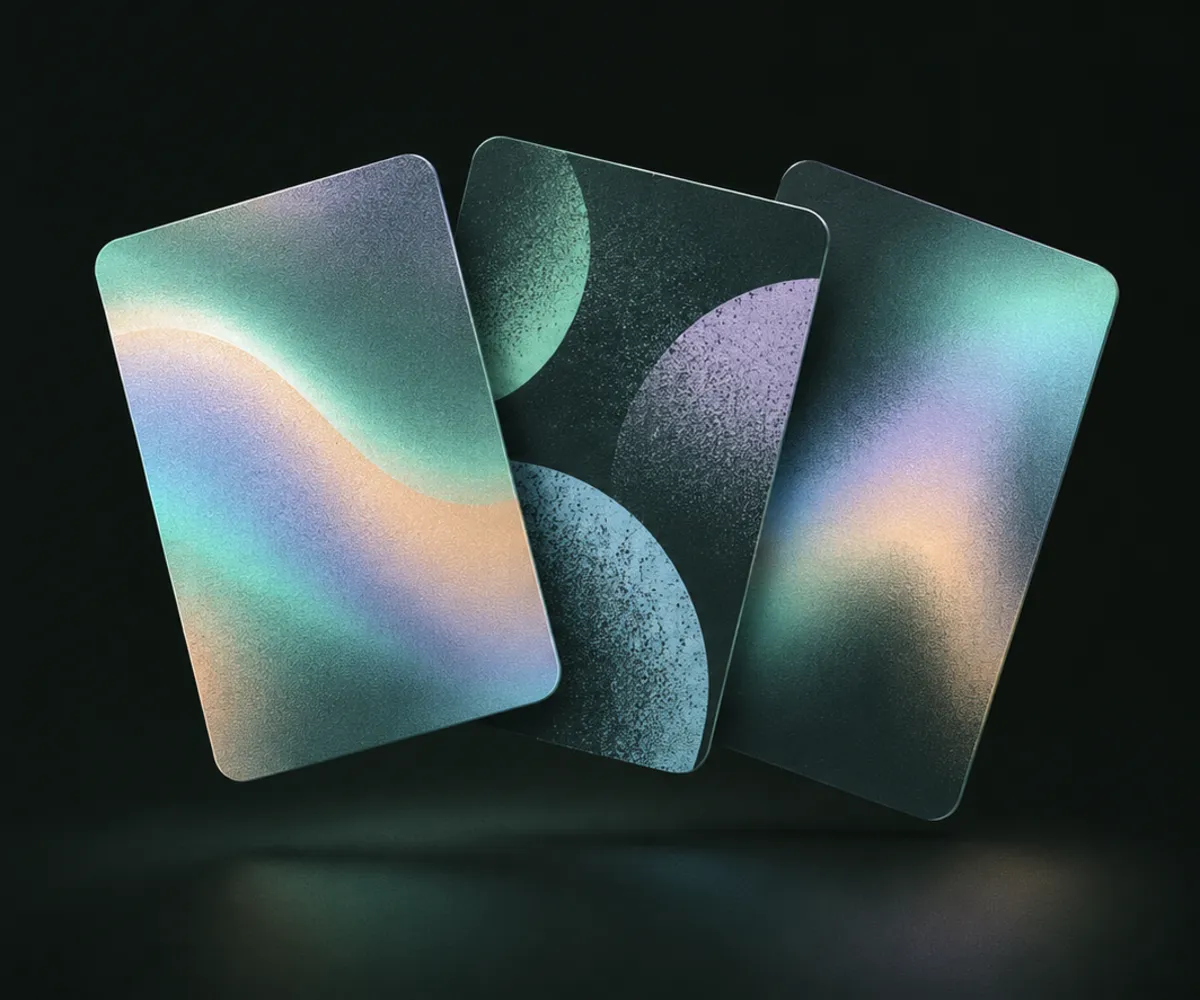
Add your logo, pick colors, or give it a full poster made from a photo or with AI styles like holographic foil, risograph or watercolor.
Tap to Wallet
Add it to Apple Wallet, and it shows on your Apple Watch too. Share a membership card by holding two iPhones together, or send a link.
More than the built-in pass maker
iOS 27 added Create a Pass to Wallet, and it's great for a quick card. FoilPass is for when you want it to look right and work everywhere.
| Feature | Wallet Create a Pass | FoilPass |
|---|---|---|
| Your own logo | No | Yes |
| Full poster artwork | Preset colors and patterns | Your photos or AI art |
| PDF tickets | No | Yes, one pass per ticket |
| Keeps the original barcode type | Not documented | Yes, and warns you when Wallet can't |
| Works on older iPhones | Scanning needs Apple Intelligence | iOS 16.4 and later |
Simple pricing
Free
3 passes, every barcode type, 3 AI artwork tries.
Pro yearly
7 days free. Unlimited passes and 10 AI artworks a month.
Pro lifetime
Pay once. Unlimited passes, 30 AI artworks to start.
Also monthly at $3.99. Prices are for the US App Store; yours is shown in the App Store. No weekly plans, ever.
Private by design
Your passes live on your iPhone. Our server signs each pass so Wallet accepts it, then forgets it. There are no ads and no tracking SDKs, and you never need an account.
Made to keep working
A pass in Wallet doesn't need our server. If something ever goes wrong on our side, the passes you already have keep scanning, and you can export everything at any time.
Questions people ask
Can I add a card to Apple Wallet if it has no "Add to Apple Wallet" button?
Yes, as long as the card has a barcode or QR code that stays the same. Wallet only accepts signed passes, so you need something that makes one: Wallet's own Create a Pass on iOS 27, or an app like FoilPass. If the business already offers a Wallet pass in its app or emails, use that first.
Will the scanner at the store or gym read a pass I made?
The pass shows the same barcode as your card, so the scanner reads the same number. FoilPass keeps the original barcode type, warns you when Wallet can't show it, and always shows the original in the app. A pass you make isn't issued by the business, so staff can still ask for the card itself. What to do if the door scanner won't read it.
Can I add a PDF ticket to Apple Wallet?
Not directly. Wallet doesn't open PDFs, and iOS 27's Create a Pass doesn't import them. FoilPass reads the barcodes in the PDF on your iPhone and makes one pass per ticket, so a PDF with four tickets becomes four passes. Step by step.
Which barcode types does Apple Wallet support?
QR, PDF417, Aztec and Code 128 on every iPhone. iOS 27 adds EAN-13, Code 39, Codabar and ITF. If your card uses a type an older iPhone would show differently, FoilPass tells you when you make the pass.
iOS 27 can create passes. Why would I use FoilPass?
Create a Pass is great for a quick card. FoilPass is for when you want your own logo, full poster artwork from a photo or AI, passes from PDF tickets, and a warning when Wallet has to change a barcode type. It also works on iOS 16.4 and later, while scanning in Create a Pass needs Apple Intelligence. Full comparison.
Is FoilPass free? Do I need an account?
You never need an account, and there are no ads. Your first 3 passes are free. FoilPass Pro unlocks unlimited passes and monthly AI artwork: yearly with a 7-day free trial, monthly, or once for life.
What happens to my passes if I cancel?
They stay in Apple Wallet and keep working. A pass in Wallet doesn't need our server, and you can export everything at any time.
Does it work on Apple Watch, and without a connection?
Passes show on your lock screen and on Apple Watch. Once a pass is in Wallet it's stored on your iPhone, so you can show it without a connection. Making a new pass needs a connection, because our server signs it so Wallet accepts it.
I used Stocard. Can I move my loyalty cards?
Yes. Scan the plastic cards or screenshots of their barcodes and each one becomes a pass in Apple Wallet, with no new account to sign up for. How to move them.
What can't FoilPass make?
IDs, transit tickets and boarding passes. Tickets whose code changes every few seconds, like those in some official ticketing apps, can't be copied into any pass, so keep using the organizer's app for those.
Can I download FoilPass now?
Not yet. FoilPass is coming soon to the App Store for iPhone.
Guides
Turn a PDF ticket into an Apple Wallet pass
Concert, train and museum tickets that only come as a PDF.
What iOS 27 Create a Pass can't do yet
Logos, photos, PDFs and sharing, compared side by side.
Put your gym card in Apple Wallet
For gyms without their own Wallet pass.
Moving your loyalty cards after Stocard
Keep your cards without signing up for another account.
What is a .pkpass file?
How Wallet passes work, and how to open one on any phone.